

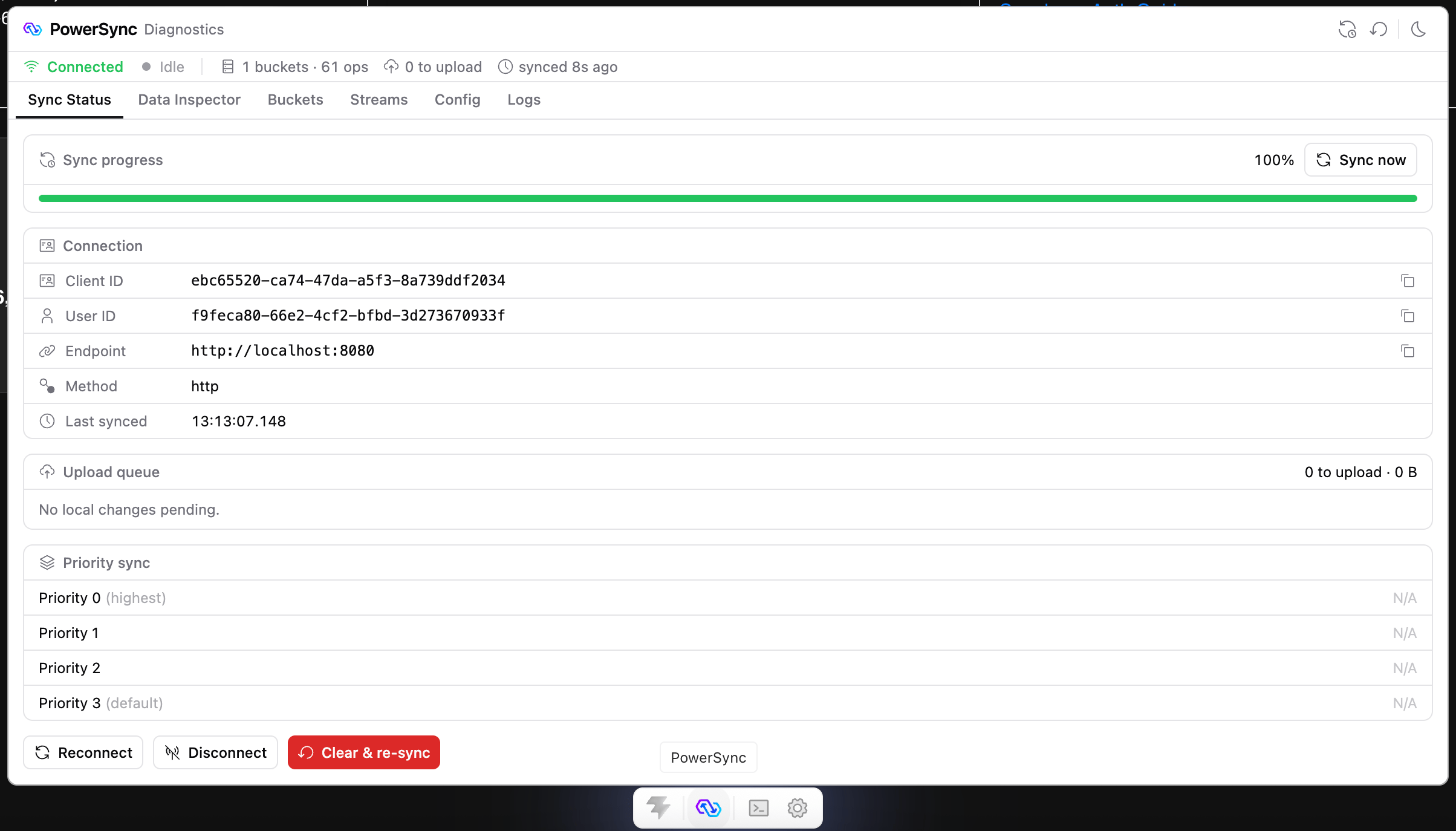
PowerSync DevTools in the Vite DevTools dock.
How It Works
Your Vite or Nuxt dev server serves DevTools. In a Node.js app, your app process serves it instead. DevTools reads from the database that your app has open, so it shows the same data that your app sees.Choose Your Environment
Vite
React, Vue, Svelte, or any web app that uses Vite 7 or 8.
Nuxt
Nuxt apps that use
@powersync/nuxt with Nuxt DevTools 3 or 4.Node.js
Node.js apps that use
@powersync/node.Dart & Flutter
Flutter and Dart apps, in Dart & Flutter DevTools.
Support for more platforms is under consideration. To ask for a specific integration, submit an idea or vote for it on the PowerSync Roadmap.
Tabs and MCP Tools
Using DevTools
What each tab is for and which actions you can run.
MCP Tools
Give a coding agent access to your app’s live PowerSync client.